
Appearance
Workbook
This group is used to download and upload workbooks to the server. It is also possible to insert navigation tags into worksheets.

Download
Downloads from the server.
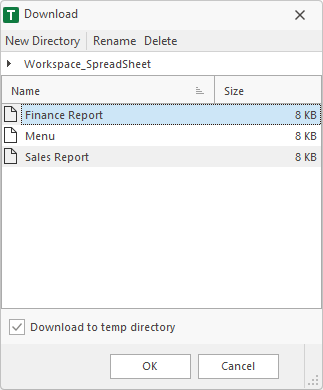
Download to temp directory
When this option is enabled, the selected workbook will be downloaded from the server, saved to a temp directory and opened in Excel®. When Excel® is closed, the temp files will be deleted.
When this option is diabled, a dialog comes up where the user can choose the directory to save the downloaded workbook.
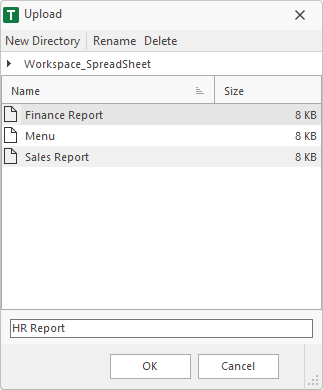
Upload
Uploads the active workbook to the server.
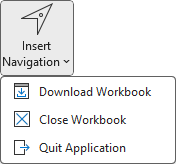
Insert Navigation
Inserts navigation tags to the active worksheet.
A navigation tag consists of two cells. The first cell contains the tag, that has a specifided format. The cell below is the info cell. The text and format of the info cell can be changed. Important is the tag cell above. When the user double-clicks the info cell, the addin checks the tag cell above. If the format matches, an action is started.