Appearance
Calculations
Calculations automate the editing or creation of records in one or more tables. They can be started ad hoc.
Each calculation can contain any number of calculation steps, processed sequentially. Within each step, a visual script can be used. This allows even inexperienced users to create complex calculations.
The order of steps is important. For example, in planning, personnel costs need to be determined first, in order to derive the social security share.
Name and Captions
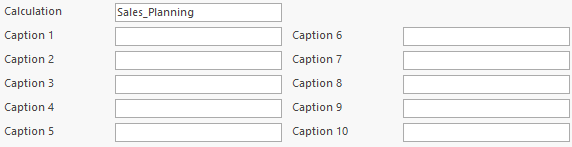
Each calculation has a unique name in the database. Up to 10 captions may be added; these do not need to be unique.
Filters
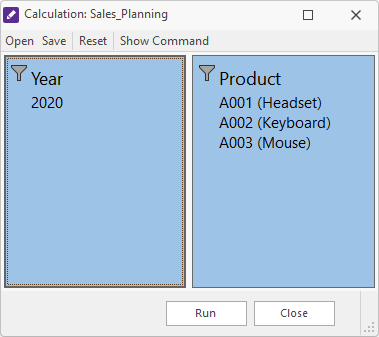
Filters can be defined in a calculation. Steps can use these filters. Before running the calculation, the filters must be set.
In this example, a year filter and a product filter are defined to initialize a plan.
Steps
Each calculation can have any number of steps, executed in order.
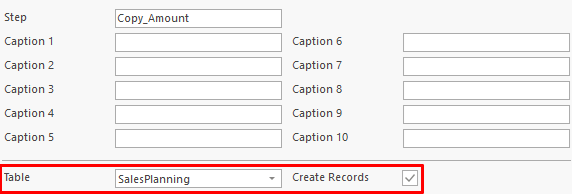
Each step has a unique name within the calculation. Up to 10 captions can be set; these do not need to be unique. A step is always linked to a table. A parameter indicates if the step is allowed to create records.
Step Filters
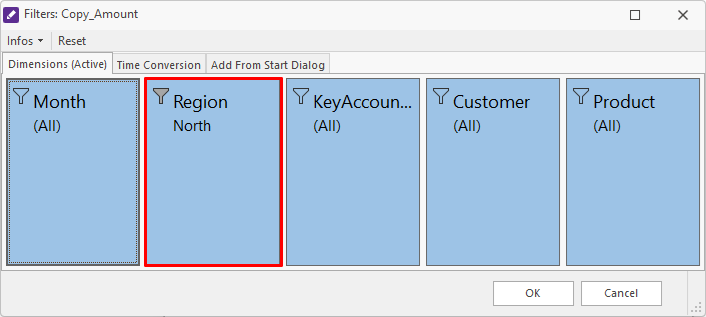
Because each step is linked to a table, filters can be set for that table.
In this example, only the region North is used.
Filters from Calculation
Filters defined at the calculation level can also be added to a step.

Visual Script
Each step uses a visual script to calculate data.
In the example, the amount is set to an initial value of 100.

After Run
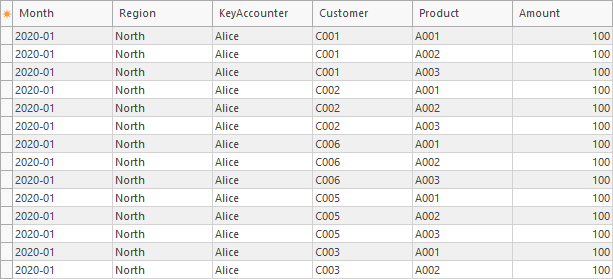
After the calculation runs, the table is filled with the initial value.