
Appearance
Download Workbook
Inserts a navigation tag to download and open a workbook from the server. This is useful for menus.
Cell Values
First the a dialog comes up to select the workbook from the server.
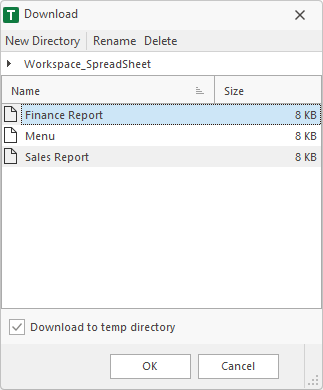
After OK the tag cell and info cell are inserted in the worksheet.

Tag Format
The inserted tag cell has a specified format. At double click, the addin searches for this format in the cell above. When a cell value matches, the workbook is downloaded and opened.
- The tag cell starts with << and ends with >>.
- First, the static text DownloadWorkbook indicates that a workbook should be downloaded and opened from the server. After this text, a # must be set.
- Then the path and name of the workbook must be specified. It makes no difference whether the server runs on Windows® or Linux. For the path delimiter, / or \ can be used.