
Appearance
Cells
This group is used to format cells.

Mark to Hide
The addin uses tag-cells that are used for navigation or to retrieve data from a workspace. These cells can be hidden and shown with the standard functions. Alternatively, a <<Hide>> tag can be placed in the first row or top column to hide/show rows and columns via the menu. When clicking on the Mark to Hide button, the tag is placed in the selected cell values.
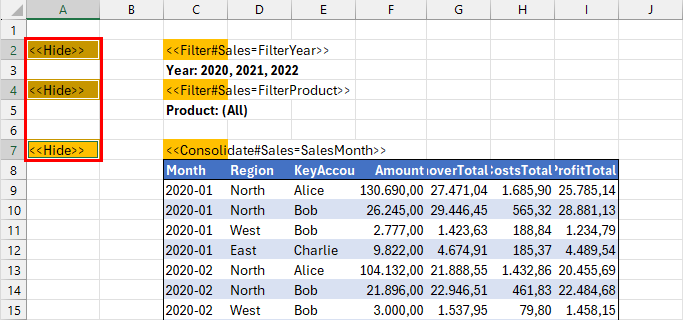
In this sample, the cells A2, A4 and A7 are marked.
Hide
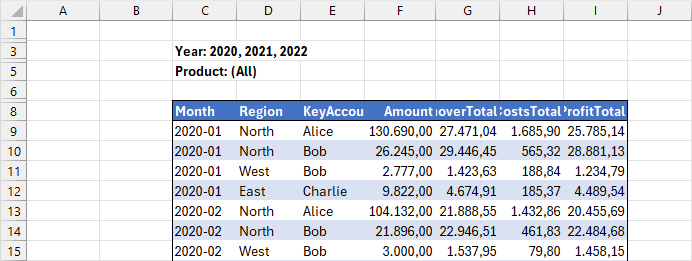
Hides all rows with the <<Hide>> tag in column A and all columns with the tag in row 1.
Show
Shows the hidden rows and columns.
Style
Styles the selected cells.

The style Navigation Blue is used by default in the workbook navigations.

Clear
Clears the selected cells.