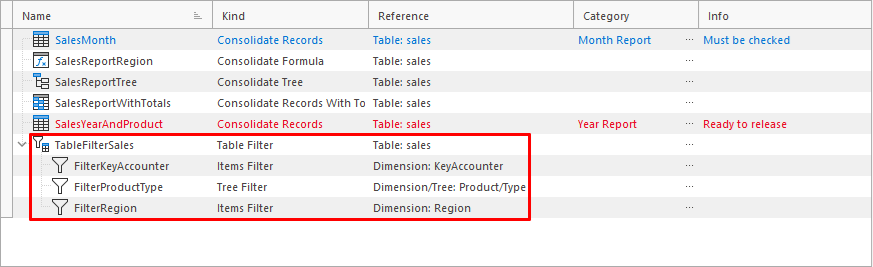
Appearance
Table Filter Assistant
The assistant is used to create a new Tree Filter.
Assistant Window
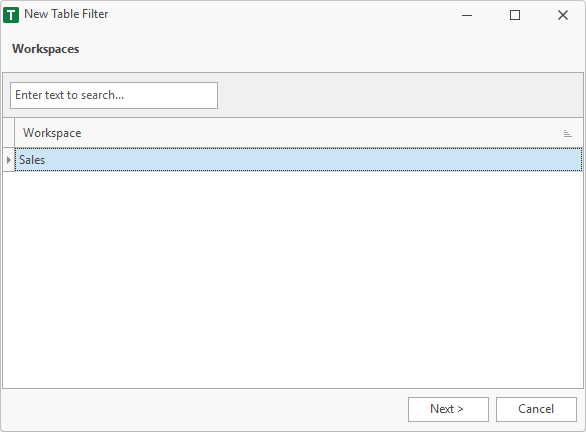
1. Workspace
First, a workspace must be selected. If the assistant is called in the workspace manager, this step will be skipped. Since the workspace has already been selected in the workspace manager.
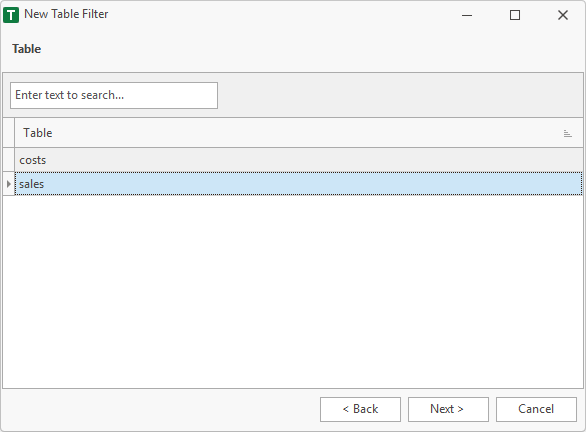
2. Table
Table of the Table Filter.
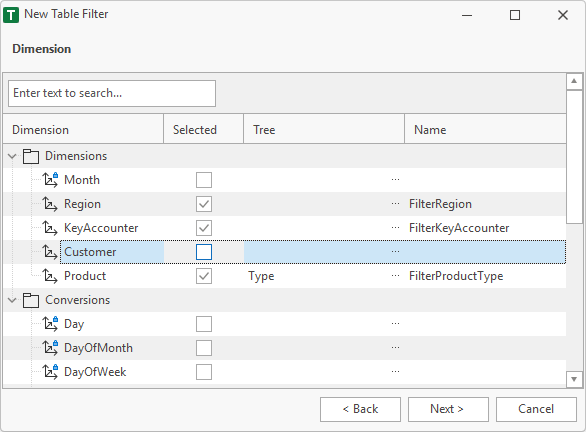
2. Dimension
Dimensions for which a new filter should be created. These filters refer to each other. In this sample two Items Filter (Region and KeyAccounter) and one Tree Filter (Product) are created.
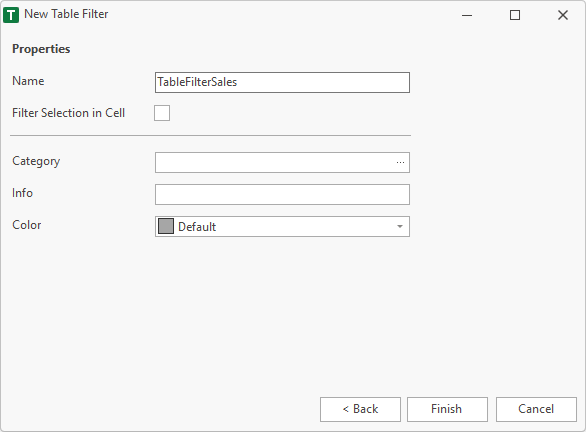
3. Properties
Finally, the properties are specified. The name must be unique within the workspace and must not contain a space or a special characters. Valid characters are: A..Z, a..z, 0..9 and _.
Category, info and color are additional fields, which are used in the workspace manager to help the user.
After Finish
After finish the Table Filter and the created Items Filter and Tree Filter are visible in then workspace.