Appearance
Workspace Objects
The objects of the selected workspace are shown in a table. Different menus can be used to edit the objects.

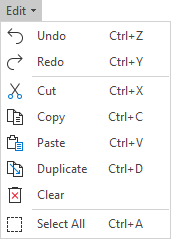
Edit
Objects can be edited using the Edit menu.
Object Information
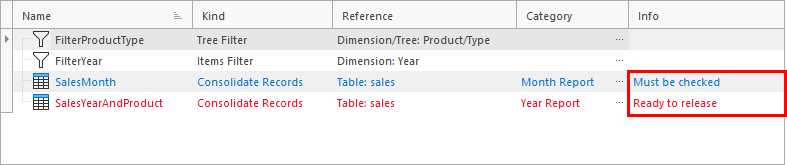
Each object can have additional information to help the user.
Color
The text color of the object can be set.
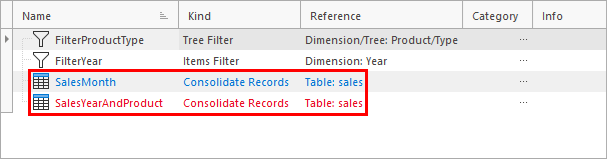
Use the Color menu to define the color of the selected object.

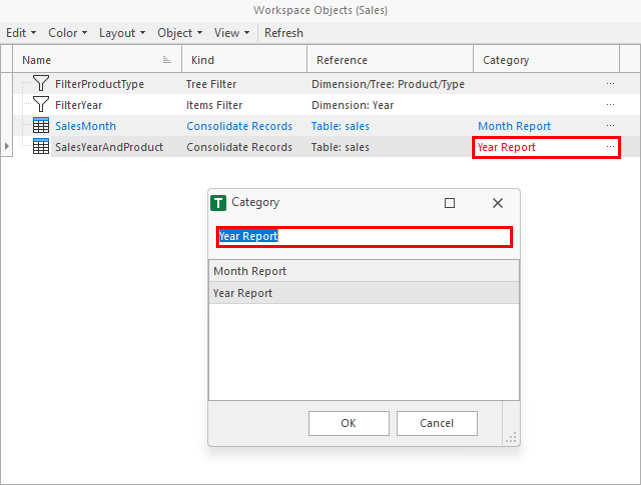
Category
Objects can be assigned freely definable categories. The category is selected or defined in the Category column (click on three points).
Info
Objects can have freely definable info text.
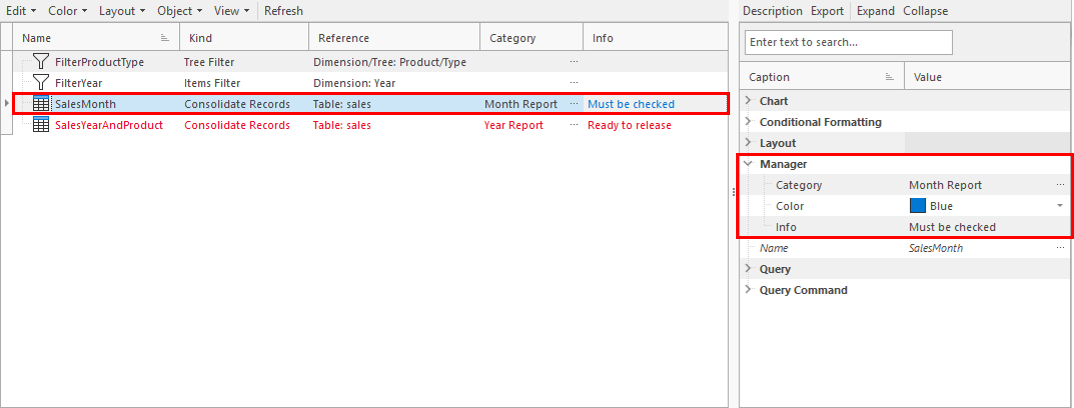
Using the Inspector
Additional information can also be changed using the inspector in the Manager node.
Layout
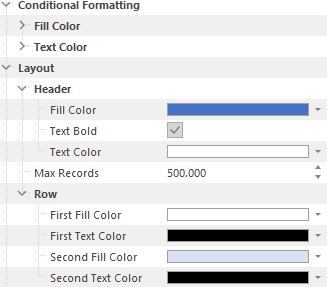
Different layouts can be stored in consolidate objects, for example for fill color or text color. The layout properties can be changed in the inspector, for example in the Layout or Conditional Formatting node.
Default Layouts
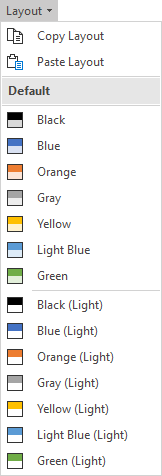
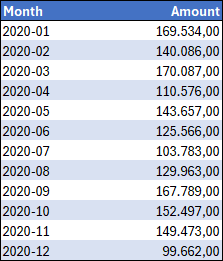
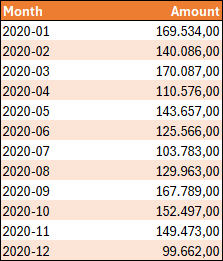
Default layouts are available and can be selected using the Layout menu.
Examples:
| Layout Blue | Layout Orange |
|---|---|
 |  |
Preview
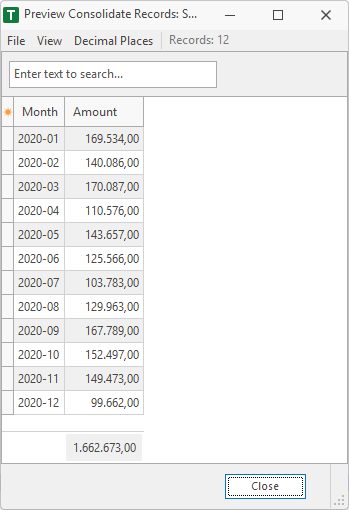
The Preview menu is available for consolidate objects. It shows the loaded data in a window. If the consolidate object is not active, it will be activated before the window opens.

E.g. data of a Consolidate Records.