Appearance
Properties
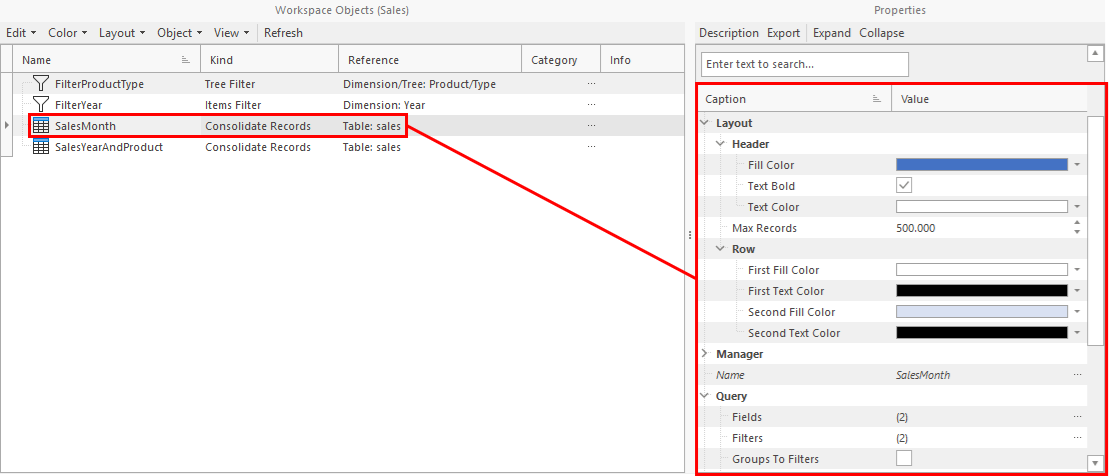
Each object-class has different properties. E.g. unique name, text color or fill color. When the user selects an object, the properties are displayed in the inspector on the right. These properties can be edited directly in the inspector.
Description
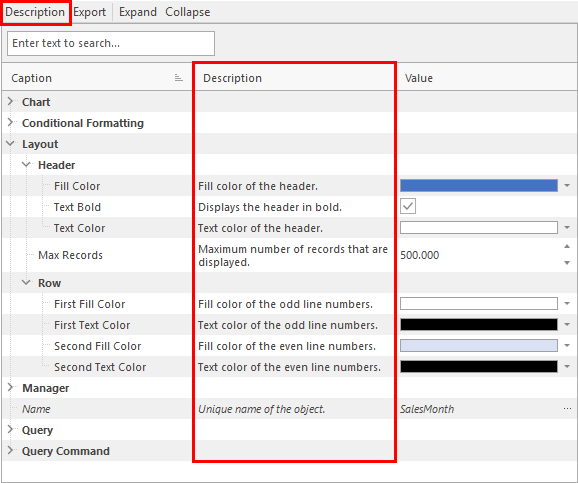
For each property is a description available. It is displayed in a column of the inspector. The column can be shown or hidden with the Description menu.