Appearance
New Objects
To create a new object, the user must drag & drop an item from the New Objects area to the Workspace Objects area. Alternatively a double click can be used.
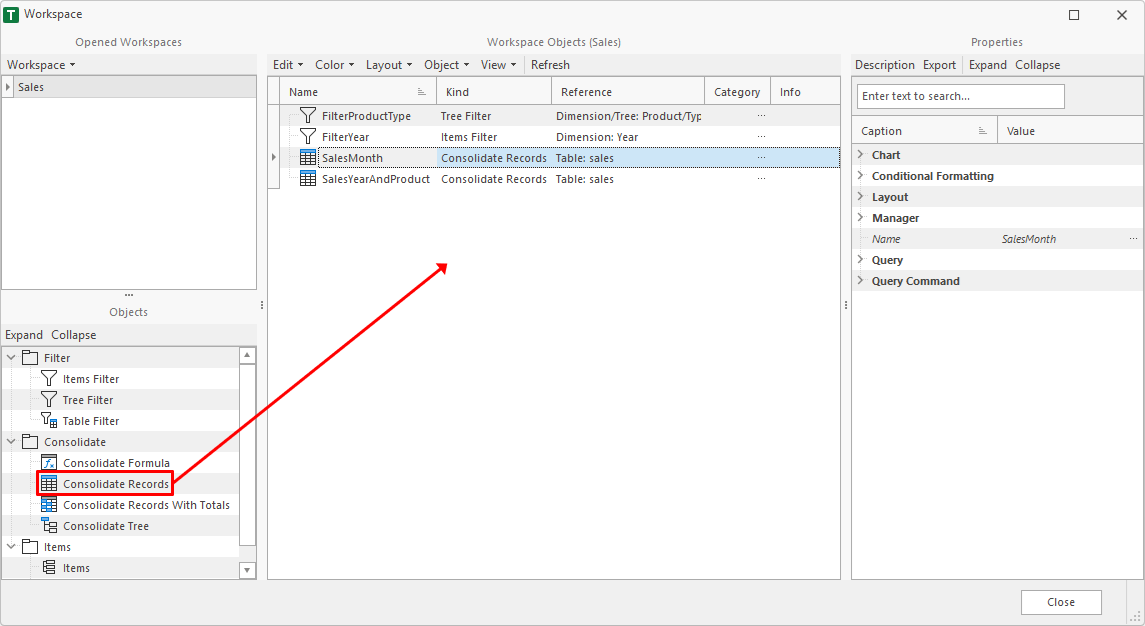
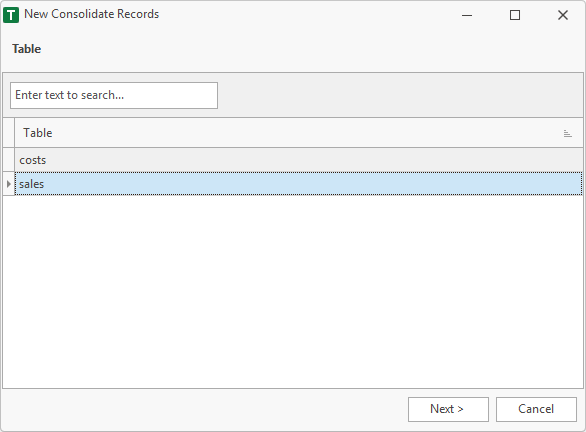
After drag & drop an assistant comes up to define the properties of the new object.
E.g. the first page of the Consolidate Records assistant.