
Appearance
Trc_Ws_GetConsValue
Gets a value of a workspace consolidation.
Function Parameters
Parameter 1
Workspace. E.g. Sales.
Parameter 2
Consolidation of the selected workspace. E.g. SalesMonth.
Parameter 3
Value field. E.g. Amount.
Parameter 4
Aggregation of the records. E.g. SUM.
| Aggregation | Description |
|---|---|
| Average | Builds the avererage of the records. |
| Count | Counts the records. |
| Max | Builds the max of the records. |
| Min | Builds the min of the records. |
| Sum | Builds the sum of the records. |
Parameter 5..n
Filter value pairs. The first value contains the dimension, the second value contains an item of the dimension. E.g. Region and North.
Samples
Builds the amount sum of the region North.
=TRC_WS_GETCONSVALUE("Sales";"SalesMonth";"Amount";"SUM";"Region";"North")
Builds the turnover sum of the regions North and South.
=TRC_WS_GETCONSVALUE("Sales";"SalesMonth";"TurnoverTotal";"SUM";"Region";"North";"Region";"South")
Builds the turonover max of the region North with key accounter Bob.
=TRC_WS_GETCONSVALUE("Sales";"SalesMonth";"TurnoverTotal";"MAX";"Region";"North";"KeyAccounter";"Bob")
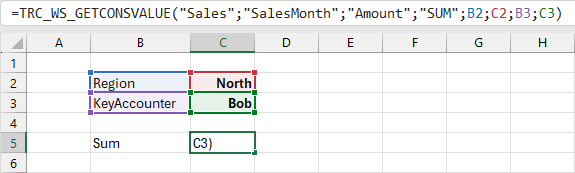
References are used in the filters of cell C5.
Assistant Window
The assistant window can be used to generate a funtion.
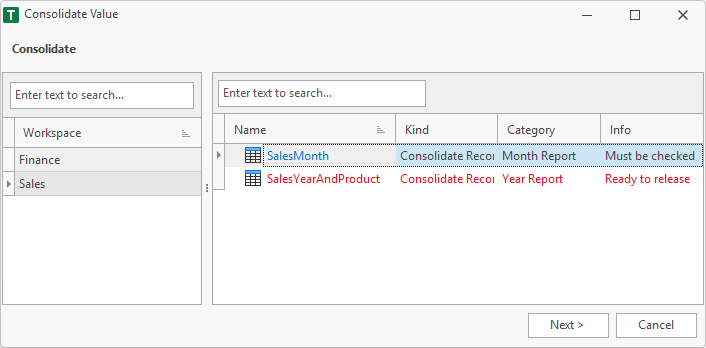
1. Consolidate
In the left area, the user must select a workspace. In the right area the consolidations of the selected workspace are displayed.
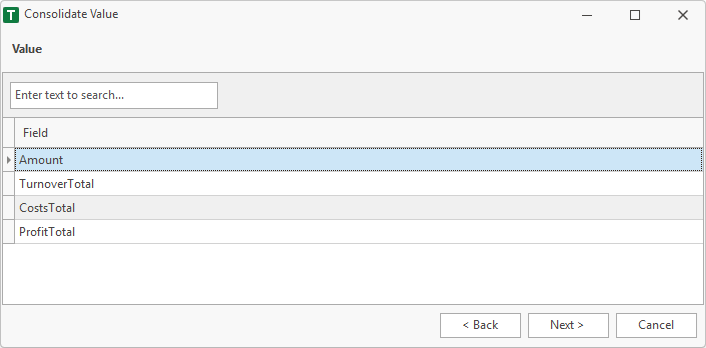
2. Value
A value field must be selected.
3. Filter Items
It is possible to retrieve only parts of the data from the workspace. Therefore filter items are used. This page shows the dimensions of the selected consolidation.
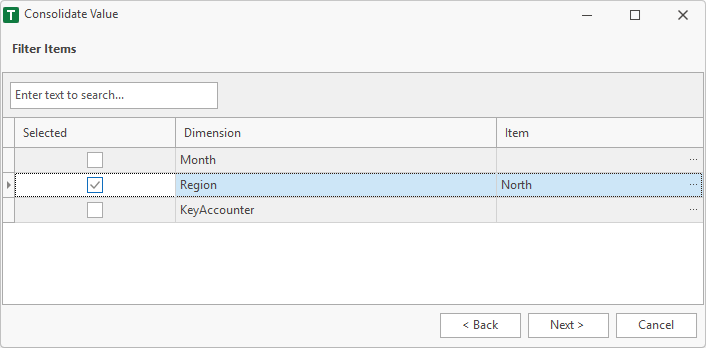
Selected
If a dimension is enabled, it is used to filter the data of the workspace.
Item
Item of the dimension, to filter the workspace data.
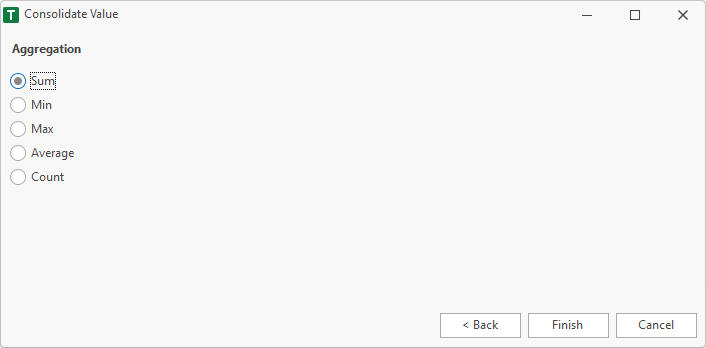
4. Aggregation
Not only sums can be loaded, but also min, max, average or count.
5. Finish
After finish the function is placed in the selected cell of the worksheet.
=TRC_WS_GETCONSVALUE("Sales";"SalesMonth";"Amount";"SUM";"Region";"North")